
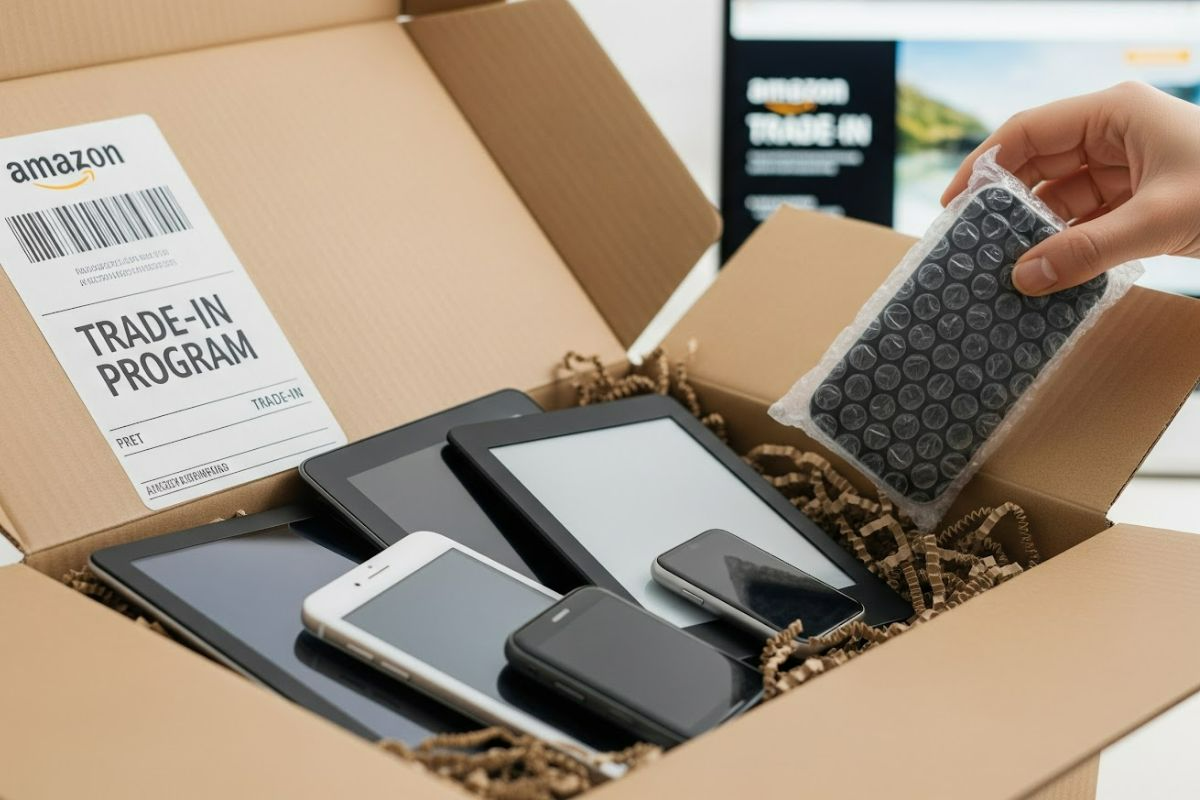
How to Use Amazon’s Trade-In Program: Turn Old Devices Into Gift Cards
Do you have old phones, tablets, or gadgets collecting dust in your home? Amazon’s Trade-In Program makes it easy to exchange unused electronics for Amazon gift cards or discounts on new devices. Instead of letting your tech clutter take up space, you can quickly trade it in, earn credit, and even help reduce electronic waste. This guide walks you through how the program works, what devices are eligible, and tips to maximize your trade-in value.
What is Amazon Trade‑In?
Amazon’s Trade‑In program offers a convenient way to exchange your eligible electronics for Amazon gift cards or discounts on new Amazon devices. When you send in your unwanted gadgets, Amazon evaluates their condition and provides compensation based on their current market value.
The program supports sustainability efforts by giving devices a second life through refurbishment whenever possible. Items that cannot be refurbished are recycled responsibly, keeping electronic waste out of landfills.
A particularly valuable feature is the additional promotional discounts (rebates) available when trading in certain devices. For instance, trading in an older Kindle might earn you both a gift card for the device’s value and an extra discount when purchasing a newer Kindle model.
Which items are eligible?
The Trade‑In program accepts a wide range of electronics, though the specific eligible models constantly evolve based on market demand.
Amazon Devices
The program readily accepts most Amazon-branded products, including:
- Kindle e-readers
- Fire tablets
- Echo smart speakers
- Fire TV devices
- Ring doorbells and security products
Smartphones and Tablets
Major brands accepted include:
- Apple iPhones and iPads
- Samsung Galaxy phones and tablets
- Google Pixel devices
- Other leading Android manufacturers
Gaming Products
Gaming enthusiasts can trade in:
- Consoles from major manufacturers
- Video games
- Controllers and gaming accessories
Other Electronics
Depending on current eligibility, you might also trade in:
Remember that eligibility is dynamic—if you don’t see your specific device listed in the Trade‑In store, it might not be currently accepted or could become eligible in the future.
Step‑by‑Step: How to Trade In Your Device
The Amazon Trade‑In process follows a straightforward path from evaluation to compensation.
1. Navigate to the Trade‑In Store
Access Amazon’s Trade‑In page through your account dashboard or by searching “Amazon Trade‑In” in the main search bar.
2. Identify Your Device
Browse categories or search directly for your specific device model. Select the exact model you wish to trade in.
3. Answer Condition Questions
Honestly assess your device by answering questions about:
- Working status (does it power on and function?)
- Screen condition (cracks, scratches, dead pixels)
- Battery health (holds charge normally?)
- Any other functional issues
4. Review and Accept Your Offer
Amazon will display:
- The gift card value based on your condition assessment
- Any additional promotional credits toward new device purchases
- Terms and conditions of the trade-in
5. Ship Your Device
After accepting the offer:
- Amazon provides a prepaid shipping label
- You have 45 days to send your device
- Choose between shipping or local drop-off options where available
6. Device Inspection
Once Amazon receives your package:
- They verify that the device matches your description
- They confirm the condition aligns with your assessment
- They may adjust the value if discrepancies are found
7. Receive Compensation
Upon approval:
- Amazon credits your account with the gift card amount
- Any promotional discounts become available for eligible purchases
- You’ll receive notification when credits are applied
Tips to Maximize Value / Avoid Problems
Preparation Best Practices
Properly preparing your device significantly impacts both the trade-in process and value:
- Reset your device to factory settings after backing up your data
- Clean thoroughly to remove dirt, fingerprints, and stickers
- Include accessories such as charging cables and original packaging if you still have them
- Document the condition with photos before shipping (for your records)
Value Considerations
Understand the financial aspects:
- The promotional device discounts are typically limited to one per device category per quarter
- Compare Amazon’s offer with other buyback services to ensure you’re getting fair value
- Direct selling to another person often yields higher returns but requires more effort
- Trade-in during promotional periods when Amazon sometimes enhances trade-in values
Avoiding Pitfalls
Be aware of potential issues:
- Once you accept an offer, you can’t cancel if you find a better deal elsewhere
- Amazon may revise their offer if they disagree with your condition assessment
- Missing the 45-day shipping window voids your trade-in offer
- Gift cards can only be used on Amazon, not converted to cash
Regional Variations
The program’s availability and specific terms vary by country:
- In the United States, the program offers the broadest selection of eligible devices
- European countries typically have more limited device eligibility
- Some regions may offer in-store drop-off options through partnerships
- Promotional rebates may differ significantly between regions
By understanding these considerations, you can make informed decisions about whether Amazon’s Trade-In program is the right option for your unused electronics.
Turn Your Tech Clutter Into Amazon Credit
Amazon’s Trade-In Program is a simple, eco-friendly way to turn unused electronics into Amazon credit. Whether you’re upgrading to a new Kindle, decluttering old phones, or responsibly recycling tech, the process is quick and rewarding. By preparing your devices correctly and keeping an eye out for promotions, you can stretch the value of your trade-ins and save more on future Amazon purchases. Start today and transform your unused gadgets into something useful.