
What Makes Local Business Listing Management Important for Small Business Growth
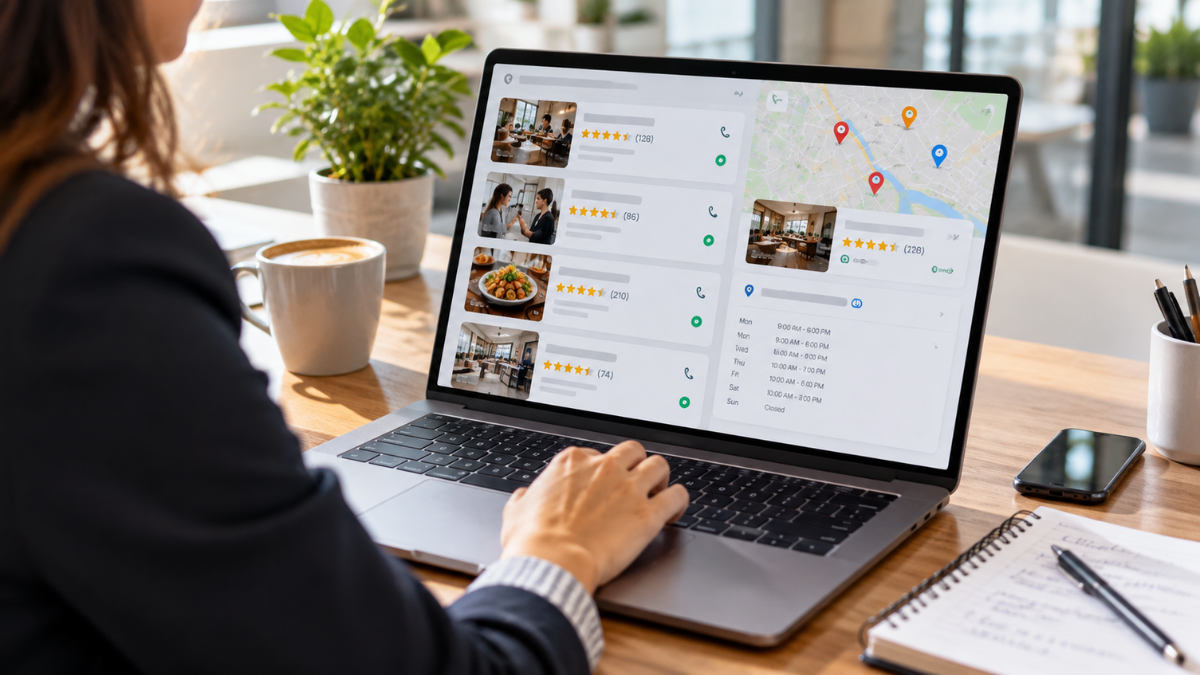
Local business listing management helps your company appear accurately across search engines, map services, online directories, and review platforms.
For a local service provider, restaurant, clinic, shop, or home-based business, correct listing details can make it easier for nearby customers to find your phone number, address, website, hours, and services.
When someone searches for a nearby business, search platforms rely on listing data to show relevant results. Inconsistent details can create confusion and reduce trust.
What Is Local Business Listing Management?
Local business listing management is the process of creating, claiming, updating, and monitoring a business profile across relevant online platforms. These profiles often include:
- Business name
- Physical address or service area
- Phone number
- Website link
- Opening hours
- Business category
- Photos
- Products or services
- Customer reviews
- Social media links
Google Business Profile is usually the priority because Google Search and Google Maps are widely used for local searches.
However, many businesses also benefit from accurate profiles on Apple Maps, Bing Places, Yelp, Facebook, industry directories, and local chambers of commerce.
Why Accurate Business Listings Matter
Your online business details may be the first information a customer sees. A wrong phone number, old address, or incorrect opening time can lead to a missed call, lost visit, or negative review.
Accurate listings support local SEO by helping search engines verify that your business is legitimate and relevant to users in a specific area.
They can also help customers take action quickly, such as calling, requesting directions, booking an appointment, or visiting your website.
Local listings can support several important goals:
- Improve visibility in local search results
- Help customers find correct contact details
- Build trust through consistent information
- Increase calls, website visits, and direction requests
- Strengthen your local search ranking signals
- Provide a place to collect and respond to customer reviews
Keep Your NAP Information Consistent
NAP means name, address, and phone number. These details should match across every listing as closely as possible.
For example, avoid using “ABC Plumbing Services” on one platform and “ABC Plumbing Co.” on another if both names refer to the same business. Small differences may confuse customers and make it harder for search platforms to connect your profiles.
Use one approved version of your business information. Keep a simple document with your official business name, address format, local phone number, website URL, business description, categories, and working hours. This makes updates faster and reduces errors.
Claim and Verify Important Listings
A claimed listing gives you control over the information customers see. Without ownership, outdated details, duplicate profiles, or user-submitted edits may remain visible.
Start by searching for your business on Google, Apple Maps, Bing, Facebook, Yelp, and directories related to your industry. Claim any existing listing that belongs to your company. Then complete the verification process required by each platform.
After verification, review every field carefully. Add complete details rather than leaving key sections blank. A profile with accurate categories, service areas, photos, and contact options is easier for customers to understand.
Choose the Right Business Categories
Business categories help platforms match your listing with relevant local searches. Select the most specific primary category available for your main service.
For example, a company focused on air-conditioning repair should use a category close to “air conditioning repair service” rather than a broad category such as “home services.”
A restaurant should use its actual food style when possible, such as Filipino restaurant, pizza restaurant, or café.
You may add secondary categories if they accurately represent services you actively provide. Avoid categories that do not match your real business activity. Misleading category choices can bring irrelevant calls and disappointed customers.
Write a Clear Business Description
Your business description should explain what you do, where you serve customers, and what makes your service helpful. Keep it direct and natural.
A good description may include:
- Your main products or services
- Cities, towns, or neighborhoods you serve
- Years in business, if accurate
- Appointment, delivery, pickup, or emergency-service details
- A clear reason customers may contact you
For example:
“Family-owned appliance repair service serving Quezon City, Marikina, and nearby areas. Same-day appointments are available for selected washing machine, refrigerator, and air-conditioner repairs.”
Add Current Photos and Useful Details
Photos can help customers recognize your storefront, team, products, completed work, menu items, or service vehicles. Use clear, current images that represent the real business experience.
For location-based businesses, add photos of the exterior, entrance, parking area, waiting space, and interior. For service-area businesses, show staff members at work, branded vehicles, tools, and completed projects.
Check your listings after holidays, relocations, renovations, menu changes, or changes in service hours. Update special hours before major holidays so customers are not left guessing.
Manage Customer Reviews Professionally
Customer reviews influence trust and can affect local search performance. Encourage genuine reviews from customers after a completed purchase, appointment, or service visit.
Do not buy reviews or pressure customers to leave only positive feedback. Review platforms may remove suspicious activity, and customers value honest experiences.
Respond to reviews calmly and respectfully. Thank customers for positive feedback. For negative reviews, acknowledge the concern, avoid arguments, and invite the customer to continue the discussion privately when appropriate.
A helpful response may look like this:
“Thank you for sharing your experience. We are sorry that your visit did not meet expectations. Please contact our team directly so we can review the concern and work toward a solution.”
Find and Remove Duplicate Listings
Duplicate business listings can create problems when they display different phone numbers, old addresses, or outdated business names. Customers may contact the wrong number or visit a former location.
Search your business name, address, and phone number regularly. If you find duplicate profiles, request removal or contact the directory’s support team. Keep the verified profile active and complete.
This task is especially important after a business move, name change, ownership change, or phone number update.
Track Listing Performance
Local business listing management should include regular monitoring. Check which searches bring customers to your Google Business Profile, how many people call, request directions, visit your website, or view photos.
These details can help you identify which services attract attention and which areas may need stronger information. For example, a business receiving many direction requests may benefit from adding parking instructions, landmark details, or a clearer entrance photo.
Common Local Listing Management Mistakes
Avoid these issues to protect your local online presence:
- Using different business names across directories
- Leaving old locations or phone numbers online
- Choosing unrelated business categories
- Ignoring customer reviews
- Uploading poor-quality or outdated photos
- Forgetting holiday hours
- Creating duplicate Google Business Profiles
- Using keyword-heavy business names that do not match real branding
Frequently Asked Questions
How often should local business listings be updated?
Review your listings at least once a month. Update them immediately after changes to your address, phone number, business hours, services, website, or service area.
Can a business rank locally without a physical storefront?
Yes. Service-area businesses can use local listings if they travel to customers. Set a defined service area and follow each platform’s address visibility rules.
Which listing should receive the most attention?
Google Business Profile should usually receive priority because it supports visibility on Google Search and Google Maps. Industry directories and map platforms are also worth maintaining.
Keep Your Business Information Accurate and Visible
Local business listing management helps customers find accurate information at the moment they need it. By keeping your business name, contact details, categories, photos, hours, and reviews updated, you create a stronger local presence and a smoother customer experience.
Make listing checks part of your regular marketing routine. Consistent, accurate profiles can support local SEO, build trust, and help turn nearby searches into real inquiries and visits.