
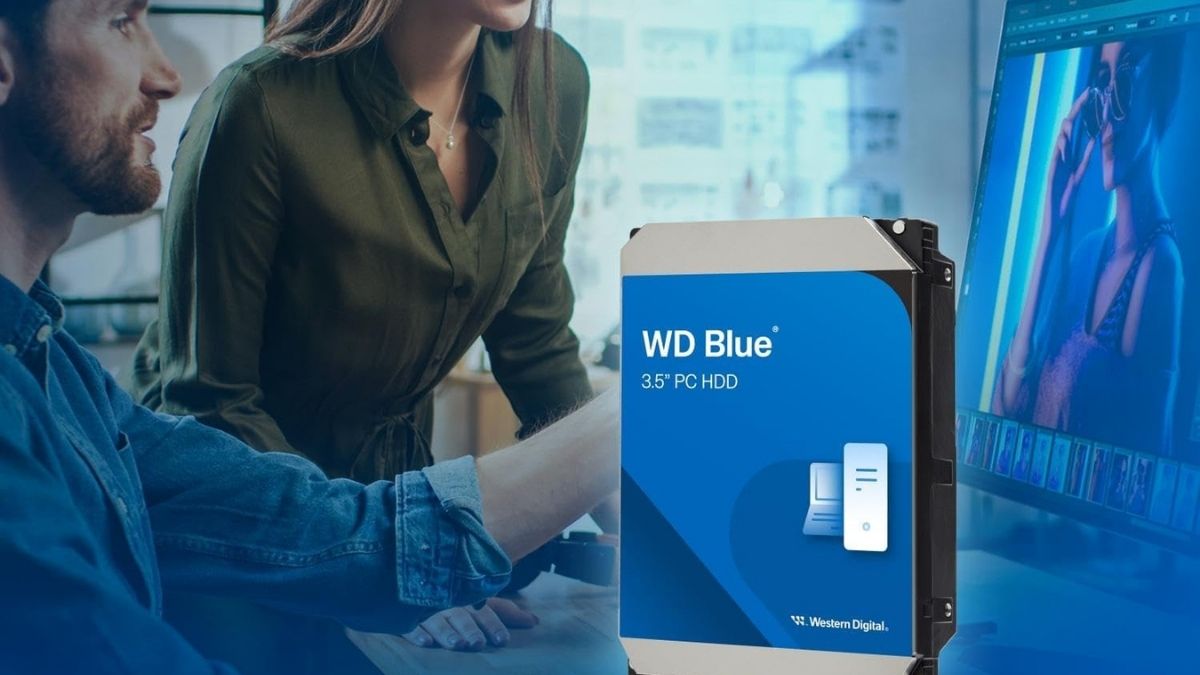
Western Digital 2TB WD Blue WD20EARZ (Renewed): Should You Buy This Budget HDD
Expanding your desktop storage doesn’t have to drain your wallet. If you’re considering the Western Digital 2TB WD Blue WD20EARZ (Renewed), you’re probably searching for affordable bulk capacity that still delivers dependable everyday performance.
Refurbished drives offer noticeable savings compared to new models, making them appealing for backups, media libraries, or secondary storage. But is choosing a renewed hard drive a practical decision, or are you exposing your data to unnecessary risk?
Understanding performance expectations, reliability factors, and real-world usability will help you decide whether this budget-friendly option truly fits your system and long-term storage needs.
Understanding What “Renewed” Means
When you purchase a renewed drive, you’re not buying a random used unit. These drives typically undergo professional refurbishment that includes diagnostic testing, secure data wiping, and functional verification before resale.
However, you should understand three important realities.
Cosmetic Condition
You may notice minor surface wear. This does not affect performance but reflects previous usage.
Warranty Coverage
Renewed models usually include a 90-day warranty, shorter than the multi-year coverage of new drives.
Prior Usage History
The drive has been previously used, though thoroughly tested and reset before resale.
From an EEAT perspective, transparency matters. Renewed hard drives can perform close to new units, but they carry slightly higher early failure risk. In exchange, you often save 30–40% compared to buying new.
If cost efficiency is your main goal, that trade-off can make practical sense.
Core Specifications and Practical Implications
The WD20EARZ offers 2TB of storage in a standard 3.5-inch desktop form factor with a SATA 6 Gb/s interface. It runs at 5400 RPM and includes a 64MB cache.
What does this mean for you?
The 5400 RPM speed prioritizes:
- Lower power consumption
- Reduced heat output
- Quieter operation
But it also means slower performance compared to 7200 RPM drives or SSDs.
With 2TB of space, you can comfortably store extensive media collections, document archives, system backups, and large file libraries. For most home and office users, capacity will not be a limiting factor.
Real-World Performance Expectations
In everyday use, you can expect sequential read speeds around 130–140 MB/s and write speeds around 125–135 MB/s. That’s typical for a 5400 RPM drive in good condition.
Boot times for Windows installed directly on this HDD average 45–60 seconds. Applications load reasonably well, but not instantly. If you’re accustomed to SSD performance, the difference will be noticeable.
However, for file storage, backups, and general computing, performance is more than adequate.
Noise levels remain low during operation, and power consumption stays efficient—making this drive suitable for systems that run for extended periods.
If your workflow revolves around gaming, 4K editing, or intensive data processing, this drive won’t be ideal. But if you need dependable bulk storage, it performs as expected.
Reliability: Balanced Perspective
Here’s where you should evaluate your tolerance for risk.
Industry data suggests renewed drives may experience a slightly higher early failure rate compared to new ones. Most failures, if they occur, appear within the first few months—precisely when the 90-day warranty applies.
To minimize risk, you should:
- Run S.M.A.R.T. diagnostics immediately after installation
- Check for reallocated or pending sectors
- Monitor operating temperatures (ideally 35–45°C)
- Always maintain a separate backup
No mechanical drive, new or renewed, should ever store your only copy of critical data. That’s simply good storage practice.
If maximum long-term reliability is your top priority, a new drive may provide better peace of mind. If affordability matters more, this renewed model offers strong value.
Installation and Compatibility
Installation is straightforward in most desktop PCs:
- Power down and unplug the system.
- Mount the drive in a 3.5-inch bay.
- Connect SATA data and power cables.
- Initialize it in Disk Management or your OS equivalent.
The WD20EARZ is compatible with most desktop systems built after 2010. It can also function in a USB enclosure if you prefer external usage.
Compatibility is rarely an issue for standard builds.
Who Should Consider This Drive
This renewed WD Blue 2TB drive is well-suited if you:
- Need affordable secondary storage
- Want a dedicated backup drive
- Are upgrading an older desktop
- Plan to pair it with an SSD
- Store large media collections
It may not be ideal if you:
- Require enterprise-level reliability
- Run performance-critical workloads
- Demand SSD-level responsiveness
Understanding your use case is the key to satisfaction.
Practical and Budget-Friendly
The Western Digital 2TB WD Blue WD20EARZ (Renewed) is not a performance powerhouse—but it doesn’t pretend to be. It offers dependable capacity, quiet operation, and solid everyday functionality at a noticeably lower price than new models.
If you pair it with an SSD for your operating system and use it strictly for storage or backups, it becomes a cost-effective solution with minimal compromise.
Before making a final decision, weigh savings against warranty length and your tolerance for risk. Used correctly, this renewed HDD can be a smart, economical addition to your system.
Quick Takeaways Before You Buy
- Offers 2TB of affordable desktop storage
- Performs reliably for general file storage and backups
- Slightly higher early failure risk than new drives
- Best used as secondary storage alongside an SSD
- Includes a shorter 90-day warranty
If you’re exploring more PC upgrades or tech-related gift ideas, browse Amazon New Releases to discover the latest storage devices and trending electronics worth adding to your setup.